For K12 teachers and front office staff

Build the sub folder once. Every sick day after that is a two minute handoff.

ChalkHandoff holds your bell schedule, seating chart, rosters, duty rotation and emergency plans in one folder that stays current from August through June. When you call in at 5:40 in the morning, one tap sends the guest teacher a phone friendly pack and tells the front office the room is covered.

  • In 214 US school buildings
  • Rosters sync with PowerSchool and Infinite Campus
  • First folder built in one prep period
Elementary school teacher sorting lesson materials next to a laptop on a classroom desk after dismissal, with a bulletin board and student chairs behind her
Wednesday, 5:41 a.m. The pack is already on the sub's phone.

The 5:40 a.m. math

Being absent costs a teacher more work than showing up sick

Every teacher knows the calculation. Fever, no voice, a kid at home with strep, and you still open the laptop at midnight because writing sub plans from scratch takes longer than the day you are trying to miss. Here is what that actually costs, per absence, in the four places it lands.

You write plans with a 101 fever

Bell schedule, seating chart, who leaves for speech at 10:15, what the specials rotation is on a Thursday. All of it retyped, at midnight, from memory.

3 hr 10 minMedian time teachers report writing a full day of plans from scratch

The sub gets half a page and a prayer

A guest teacher walks into a room with no seating chart, no restroom procedure and no idea which student cannot sit next to which. The day becomes crowd control.

41 minutesInstruction lost per absence day while a sub hunts for materials

The front office rebuilds your morning

At 6:15 the attendance secretary is printing rosters, chasing a copy code, and calling a para to cover the first twenty minutes because nothing was left on the desk.

55 minutesOf one office staff morning spent per uncovered absence

Thursday you reteach Tuesday

Packets get handed out, not taught. You come back to a stack of half finished worksheets and a unit that slid two days to the right, again.

$142Average daily sub pay that buys almost no instruction

Nobody in a school building has a spare hour at 5:40 in the morning. The plan has to already exist, and it has to be current on the day you need it.

How the handoff works

Four steps, and only the first one takes real time

You build the folder in one prep period in September. After that ChalkHandoff keeps it current from your roster feed, and every absence for the rest of the year is a tap on a phone before you go back to bed.

  1. Set the room up once

    Enter the bell schedule, the specials rotation, the duty you cover, dismissal groups and the ten room rules a stranger would never guess. Import your class lists and seating charts, or drop in a CSV from the office.

    Median setup time across 214 buildings: 43 minutes

  2. Keep one any day plan alive

    Write a single lesson block per subject that works on any date, with the copies already attached as PDFs. Your unit plans sit alongside it, so if you know Thursday is a sick day you swap in the real lesson in about ninety seconds.

    Attach copies once, reuse them all year

  3. Call in, then tap Send handoff

    Pick today's date, choose the any day plan or the real lesson, and send. The guest teacher gets a link that opens on a phone with no login, the office gets a copy for the sub binder, and your grade team lead sees the room is covered.

    Median time from opening the app to a sent pack: 1 minute 50 seconds

  4. Read the sub notes before you are back

    The guest teacher taps through a short end of day form: what got finished, who helped, who needs a conversation. It lands in your inbox by 3:30 and stays attached to that date in the coverage log.

    78 percent of packs come back with written notes

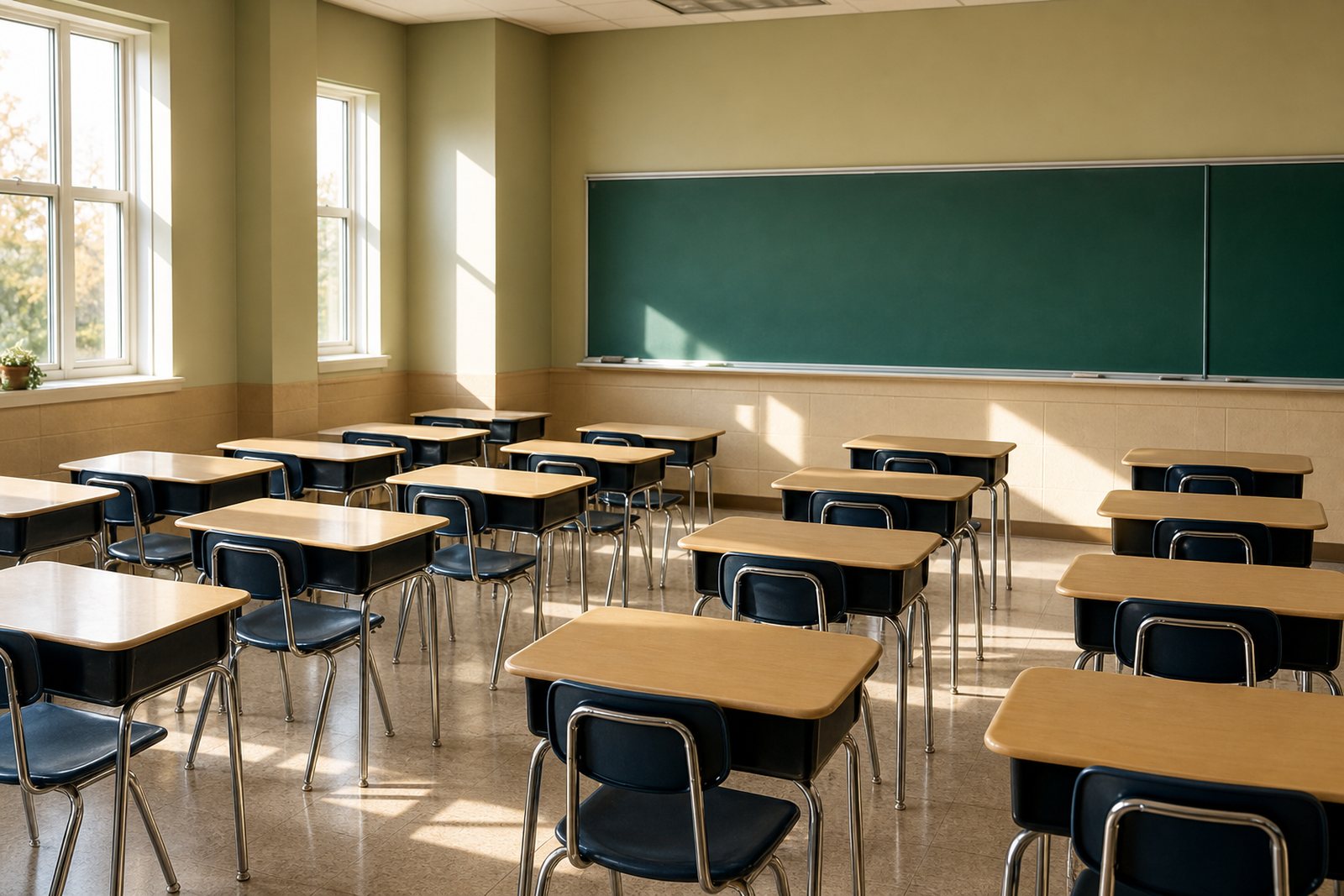
Empty bright elementary classroom with neat rows of desks, a green chalkboard at the front and afternoon sunlight falling across the floor
The room a guest teacher walks into at 7:45. ChalkHandoff makes sure it comes with instructions.

Inside the folder

Six things every sub folder needs, and none of them retyped twice

This is not a document you edit and re-save. Each part of the folder is a living record that pulls from your roster, your calendar and last week's lesson, so the version the guest teacher opens is the one that matches today.

Sub plan templates with your room in them

Start from a template for your grade band, then fill it with the details a stranger needs: the reading block order, where the pencils live, which cabinet is locked. It saves as a reusable plan, not a one time document you rewrite next February.

Reusable, not disposable

Seating charts a stranger can actually read

Drag desks into the shape your room really is, add first names in the size a sub can read from the door, and tag the quiet notes that matter: preferential seating, a reading buddy, the two students who should not share a table. Sensitive accommodations stay behind a need to know flag.

Prints on one page

The day of handoff pack

One link, sent by text or email, that opens on any phone with no account and no app store detour. It carries the schedule, the plans, the seating chart, the fire drill route, the allergy list and the dismissal groups, and it expires when the last bus pulls out.

No login for the sub

The any day emergency folder

A full day of standards aligned work per subject that holds up on any date, with the copies already attached as PDFs the office can print at 6:30. It is the folder you send when your kid throws up at 5 a.m. and typing is not happening.

Ready before you need it

Rosters and schedules that stay current

Class lists, homerooms and specials rotations pull from PowerSchool, Infinite Campus, Skyward or a nightly CSV, so a January transfer student shows up on the seating chart without you touching it. Bell schedule changes for early release days follow the school calendar.

Nightly roster sync

Sub notes back, and a coverage log

The guest teacher answers five questions before leaving: what got taught, what got skipped, who helped, who struggled, what broke. Every absence stays in a per teacher log the principal can pull at evaluation time without asking anybody to reconstruct a date.

Written record, same day

What changes

The numbers buildings send us at the end of a semester

These come from usage data across the 214 buildings running ChalkHandoff during the 2025 to 2026 school year, plus the exit survey we send every principal in June.

1:50

Median handoff time

From opening the app to a pack confirmed on the sub's phone. The folder is already written, so the only decisions left are the date and which lesson block to send.

38 min

Instruction recovered per absence

Guest teachers start at the bell instead of spending first period looking for the copies, the roster and someone who knows the dismissal groups.

43 min

To build the first folder

One prep period, once. Teams that set up together in a September staff meeting finish faster because the bell schedule and specials rotation get entered a single time for the whole grade.

94%

Of packs opened before first bell

Because the link opens on a phone with no password, subs read it in the parking lot. The office sees a green check next to the room instead of chasing an unread email.

From the buildings using it

Teachers, a grade lead and the person who runs the front office

We asked three people who use ChalkHandoff on different sides of the same absence what changed. None of them were paid for these, and all three gave permission to use their names and buildings.

I taught two days with strep last winter because writing plans felt worse than standing up in front of 26 fourth graders. In February my daughter spiked a fever at five in the morning and I sent Tuesday's folder from the kitchen table before the coffee finished. The sub texted me a photo of the finished exit tickets at 2:40. That was the first sick day I actually spent lying down.

Marisol Reyes Fourth grade teacher, Hawthorne Elementary School, Tulsa, Oklahoma

Before this I was printing folders for six rooms before seven in the morning and still had guest teachers standing at my window at 7:50 asking where the copies were. Now the packs land on my dashboard the minute a teacher calls in and I print for the two rooms that still want paper. I got about forty minutes of my morning back, every single absence day.

Dana Whitfield School office manager, Ridgemont Middle School, Akron, Ohio

Our science team keeps one shared lab safety block and one bank of any day lessons, so a sub never has to guess whether seventh graders can be trusted with hot plates. The answer is no, and now it says so in bold on the first screen. When a parent asked about a March 4 incident, the sub notes were still attached to that date and the whole question took ten seconds.

Trevor Nakamura Seventh grade science teacher and grade level lead, Larkspur Ridge Middle School, Frisco, Texas
214 buildings Public and charter schools in 19 states
31,600 packs Handoffs sent in the 2025 to 2026 school year
4.8 out of 5 Average teacher rating in our June survey

Pricing

One teacher, one grade team, or the whole building

Priced the way schools actually buy. A teacher can start alone for less than a pack of dry erase markers, a grade team can share one plan bank, and a building can put every classroom on the same handoff without a per substitute fee.

Single Teacher

One classroom, one teacher, unlimited absences.

$9 per month, per teacher

  • Unlimited sub folders and handoff packs
  • Seating charts with need to know notes
  • The any day emergency folder with attached PDFs
  • Roster import from a CSV or Google Classroom
  • Sub notes returned by 3:30 the same day
  • Text and email handoff to any guest teacher
Request a walkthrough

School

Every classroom in one building, plus the front office.

$149 per month, per building

  • Unlimited teachers and paraprofessionals
  • Office dashboard for the attendance secretary
  • Nightly roster sync from PowerSchool, Infinite Campus or Skyward
  • Single sign on with Google, Clever or ClassLink
  • Admin permissions and a building wide coverage report
  • A 45 minute staff onboarding session and purchase order billing
Request a quote for the building

Every plan is billed monthly in US dollars and can be cancelled at any time from the billing screen, with access running to the end of the month you already paid for. No annual contract, no setup fee, and no charge per substitute. Schools that need a purchase order and a W-9 can ask for one on the form below.

Questions we get on every demo

Straight answers, including the one about your absence system

The Sub Folder

Our magazine on covering a classroom you cannot get to

The Sub Folder is where we publish what schools tell us about substitute coverage: the plans that survive a stranger reading them cold, the folder details everyone forgets, and the money an unfilled absence quietly costs. Here are the three most recent pieces.

Open manila sub folder, ruled paper and yellow pencils on a teacher desk in front of a green chalkboard

practical guide

How to Write Emergency Sub Plans Any Adult Can Teach Cold

A sub plan works only if a stranger can run it without calling the office. Here is how to write a full day of instruction that stands on its own, with timing, materials, and fallbacks.

8 min read

Read every article in The Sub Folder

Request a walkthrough

Tell us about your building and we will run a real handoff on it

Send us your bell schedule and one grade level, and on a 20 minute call we will build a working sub folder for an actual room in your school and send the pack to your own phone so you can see what a guest teacher sees. No slide deck. If it does not fit how your office runs mornings, we will say so.

  • We reply within one school day, and never during your teaching block if you tell us your prep time.
  • No student data is needed for a demo. We build the sample room with made up names.
  • Purchase orders, W-9 forms and district vendor paperwork are handled by email.

One person reads every message, usually before the last bus leaves. If a form is not your thing, write straight to jimenezjulien42@gmail.com and say which grade you teach.