Seating chart with current names and a photo row
A substitute teacher's first obstacle is faces and names. A seating chart is the anchor. It keeps the class in order and helps the sub spot who belongs where. Start your folder with a printed seating chart that matches how your students actually sit as of the first two weeks. Rearranged desks from last spring or students still listed from last year only create confusion.
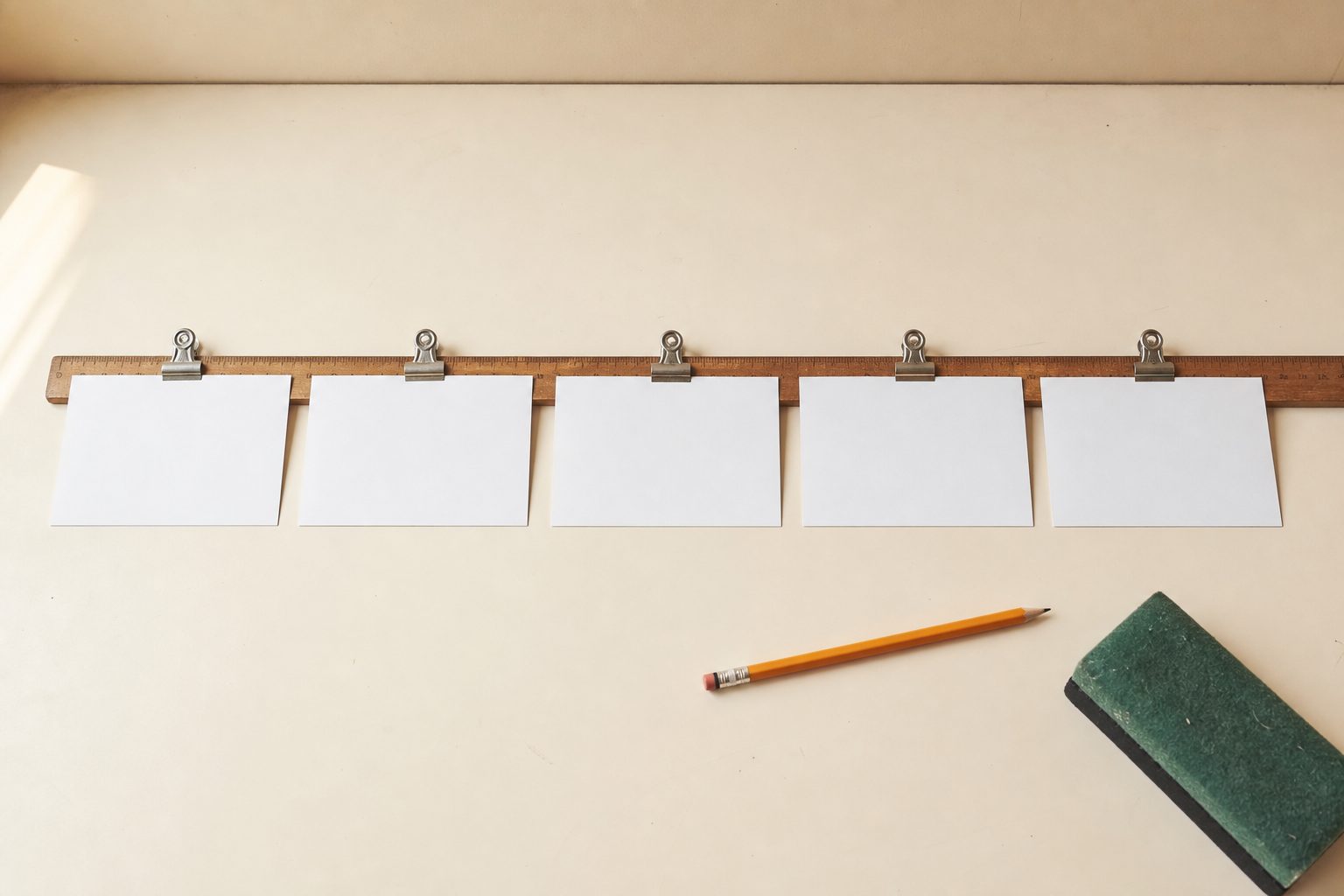
A photo row is the second half of this tool. Most substitutes will not know your students by sight, and a lineup of photos, either headshots or simple snapshots, paired with names lets the sub match faces to names quickly. Place the photo row above or beside the seating chart, and clearly label any students who are new or who moved seats in just the last week. If capturing photos is difficult, even simple sketches or student-drawn avatars can help bridge the gap.
Update the seating chart after any major rearrangement, and remove students who have withdrawn. A chart that matches the real room is the difference between a smooth start and a chaotic morning.
Keep reading: FERPA and IEPs: What Belongs in a Substitute Folder, and What Cannot
Daily schedule including specials, lunch, and duty
Substitutes need to know not just what happens during your block, but the entire rhythm of the day. Start this section with the bell schedule as it applies to your class: arrival, class periods, lunch, and dismissal. If your school has an A/B day schedule or rotates specials, spell out which days are which for the first month at least.
Include times for specials such as art, music, or PE, and note where these take place. Mark transitions clearly: for example, "Line up at 10:10 for PE in gym." If your class is responsible for a rotating duty (like bus, breakfast, or hallway supervision), note the time, location, and what the duty involves. Mention which staff member covers if the sub is uncertain.
Lunch procedures are often unique to each building. Write down the lunch period time, where students line up, and which staff supervises lunch. Note any quirks: whether students need to bring ID cards, how to handle students buying extras, and who to call if there is a problem in the cafeteria.
Medical alerts, allergy plans, and where the nurse keeps them
Medical needs should be front and center. The folder must list any students with daily medication, allergies, asthma, diabetes, or an emergency health plan. Use first names and last initials if your school asks for privacy, but make sure the sub can spot each student who might need special care.
For each condition, give the basic facts: what the student is allergic to, signs of a reaction, and what steps the sub must take. For example, "Emma S. is allergic to peanuts, carries an EpiPen in her backpack, and must sit at the nut-free table at lunch." For asthma, note if the inhaler is with the student or in the nurse's office.
Explain where the nurse keeps medical forms, EpiPens, and inhalers. If students need to visit the nurse at set times for medication, list those times. For field trips or class moves to another part of the building, note the policy for carrying meds. Remind the sub to send a reliable student with any child who feels unwell.
Keep reading: District Sub Pool, Agency, or Building Sub: Coverage Models Compared
Attendance and tardy procedure for your building
Attendance is not just a checklist, it is a legal document in every school. Describe exactly how your building collects attendance: paper, online, or by phone. If your school uses a digital system, name it, show where to find the login, and explain how to submit the form. Point out where the daily attendance roster or barcode scanner is kept in your room.
For tardies, outline the process. Should late students go straight to class or stop in the office for a pass? Does someone in the office notify the teacher, or should the sub keep a separate record? Note how to mark a student as present if they come late, and what to do if a student leaves early for an appointment.
Mention the cutoff time for attendance submission. If the sub misses the window, explain how to contact the office. Include the phone extension or a sticky note with the attendance clerk's name for backup.
Logins, passwords, and the paper backup for each one
Digital tools are part of every classroom day, but substitutes often face locked screens or expired passwords. List the logins and passwords for any system the sub needs: attendance, gradebook, teaching slides, or classroom management tools. If your district issues sub accounts, note where to get the credentials, sometimes these appear in the sub's welcome packet, sometimes the office provides them.
For each system, describe what the sub must do if login fails. This could be a backup paper attendance form, a printed class list, or a call to the office. If lesson plans are stored electronically, print backup copies and add them to the folder. For web-based tools, give a step-by-step: "Open Chrome, click on the district portal, select Google Classroom, use sub login, password is posted by the desk."
Do not assume the sub has used your school's systems before. Even a short printed guide, one for each critical login, can save a sub from a wasted period. Make sure the folder itself is not locked behind a password.
See how ChalkHandoff handles this for k12 education
Fire drill, lockdown, and evacuation route from your room
Emergencies require clear direction. Inside the folder, place a printed map of the school with your room highlighted and the primary evacuation route marked. Write step-by-step instructions for fire drills: which door to use, where to line up outside, and how to account for each student. If an alternate route is required (such as a blocked hallway), explain that too.
For lockdowns, summarize the procedure. Should the sub lock the door, close blinds, move students to a corner, or keep them silent? Spell out what to do if a student is out of the room, in the bathroom, or in the hallway when lockdown is called. If your school uses a color code or public address message, include examples.
Include the location of your emergency bag or kit, water, class roster, flashlight, and other materials. Remind the sub to bring the attendance list and medical info during any evacuation. Even experienced substitutes benefit from a checklist in a high-stress moment.
Two neighbor teachers, the office extension, and the custodian
Teachers rarely work in isolation, and substitutes need quick support. Start this section by naming two teachers nearby who are willing to help. Give both their room numbers and a simple note on how they can help: "Ms. Lee in Room 204 can answer questions about technology. Mr. Adams in Room 202 knows lunch routines."
Next, list the office's direct phone extension, not just the main number. Put a sticky note or tab for easy reference. Include the name of the secretary or attendance clerk most likely to answer. Emergencies or quick clarifications often need a real person, not a phone tree.
The custodian is the unsung hero in any building. Write the custodian's name and how to contact them, walkie-talkie channel, phone, or office location. Note when to call for help: spills, a broken chair, or a bathroom issue. If there is a classroom-specific signal or form, add that too.
Where student work goes and how the sub reports back
Student work often disappears without a system. Tell the sub where to collect papers: inbox tray, folder, or even a basket by the door. If students turn in work digitally, list the procedure. For group projects or stations, label which work you expect students to finish and which can wait until your return.
Explain how to flag incomplete assignments or student behavior concerns. Some schools use a sub report form, others prefer a quick note or checklist. Give a template: "List students who were especially helpful or needed reminders. Note any behavior incidents with time and details." If the sub should leave materials in a specific place, your desk, mailbox, or the office, mark that spot clearly.
Let substitutes know how you prefer to be contacted after the day: email, phone, or a written note. If you check in with your class about the day, note that too. Transparency helps everyone.
Many teachers use reusable sub plan templates and digital seating charts, updated each year and printed for backup. Some systems send a complete "handoff pack" with photos, medical info, and schedules directly to the substitute on the day of the absence. This streamlines preparation and reduces errors, particularly when time is short. Tools like these help schools keep the sub folder accurate and ready, no matter when the call comes in.